GPT Image 2: Studio-Quality Images with Perfect Text
GPT Image 2 on miadance produces photorealistic visuals with text that actually reads correctly. Portraits, product shots, social graphics, and UI mockups, ready in seconds.
Why GPT Image 2 Works Better for Real Design Tasks
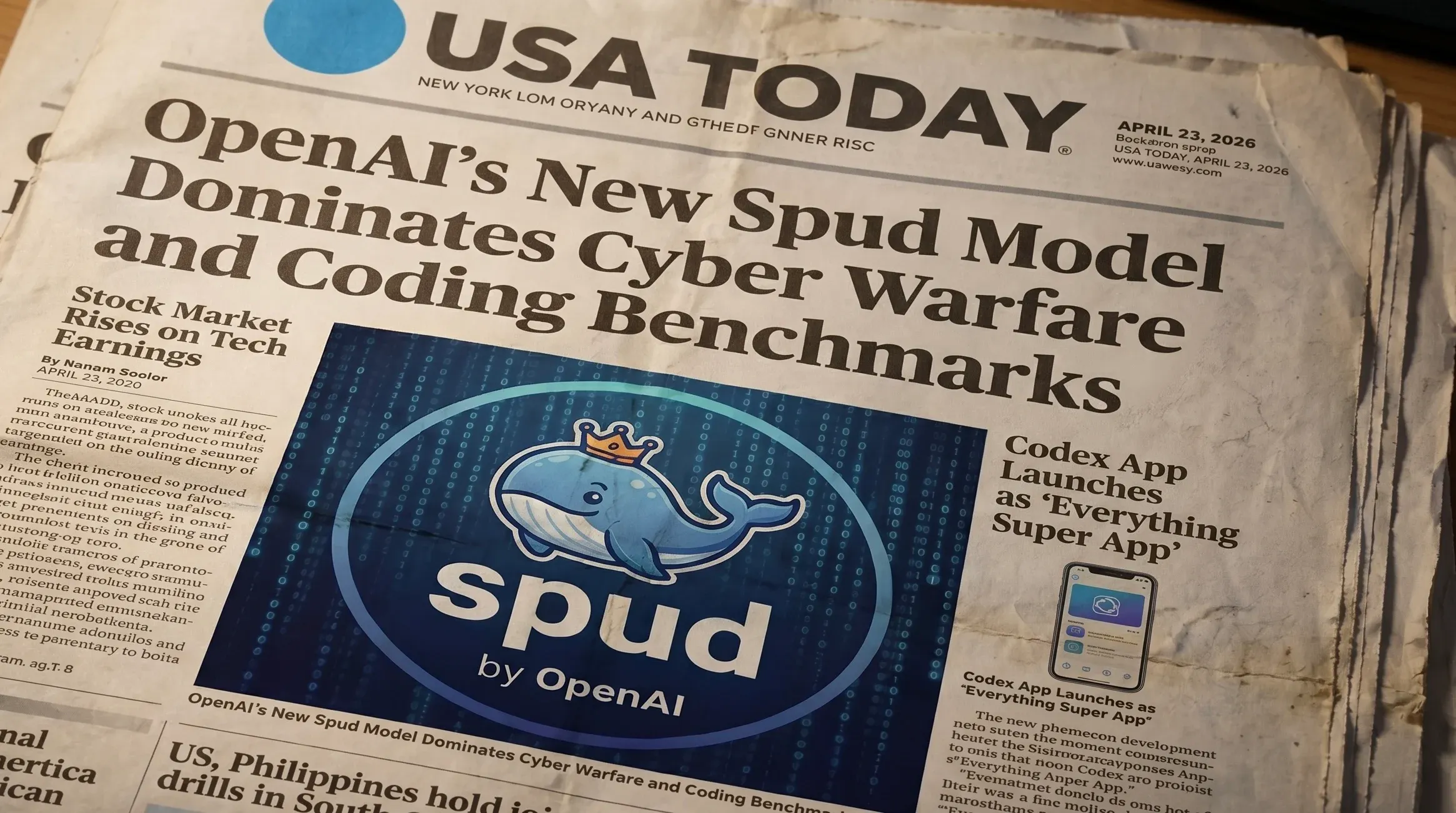
Accurate AI Image Text Rendering
Create signs, labels, UI copy, and poster headlines with 99%+ accuracy. No more gibberish characters or garbled fonts requiring Photoshop to fix.
Photorealistic AI Portraits & Scenes
Natural skin tones, individual hair strands, lifelike eye reflections, accurate material textures. Less of the waxy look common in older models.
Better Prompt Understanding (Real-World Details)
GPT Image 2 reasons before it generates. It understands cultural contexts, brand elements, and physical laws, so your images look specific and real, not generic AI output.
Consistent Characters Across Images
Lock a face or subject from a reference photo. Change the scene, outfit, or lighting, and GPT Image 2 keeps the same person recognizable across every generation.
Fast AI Image Generation (Under 3 Seconds)
GPT Image 2 generates images in under 3 seconds, so you can try variations quickly without waiting.
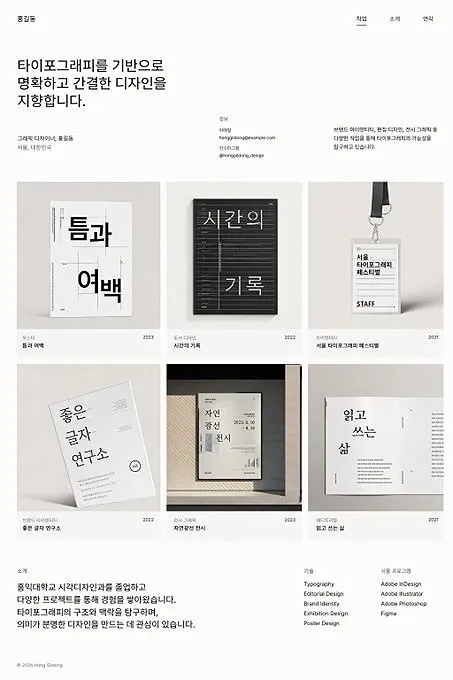
Multilingual Text & Transparent Backgrounds
Chinese, Japanese, Korean, Arabic, and other non-Latin scripts rendered accurately. Transparent PNG export also supported, making outputs ready for any design workflow.
What You Can Create with GPT Image 2
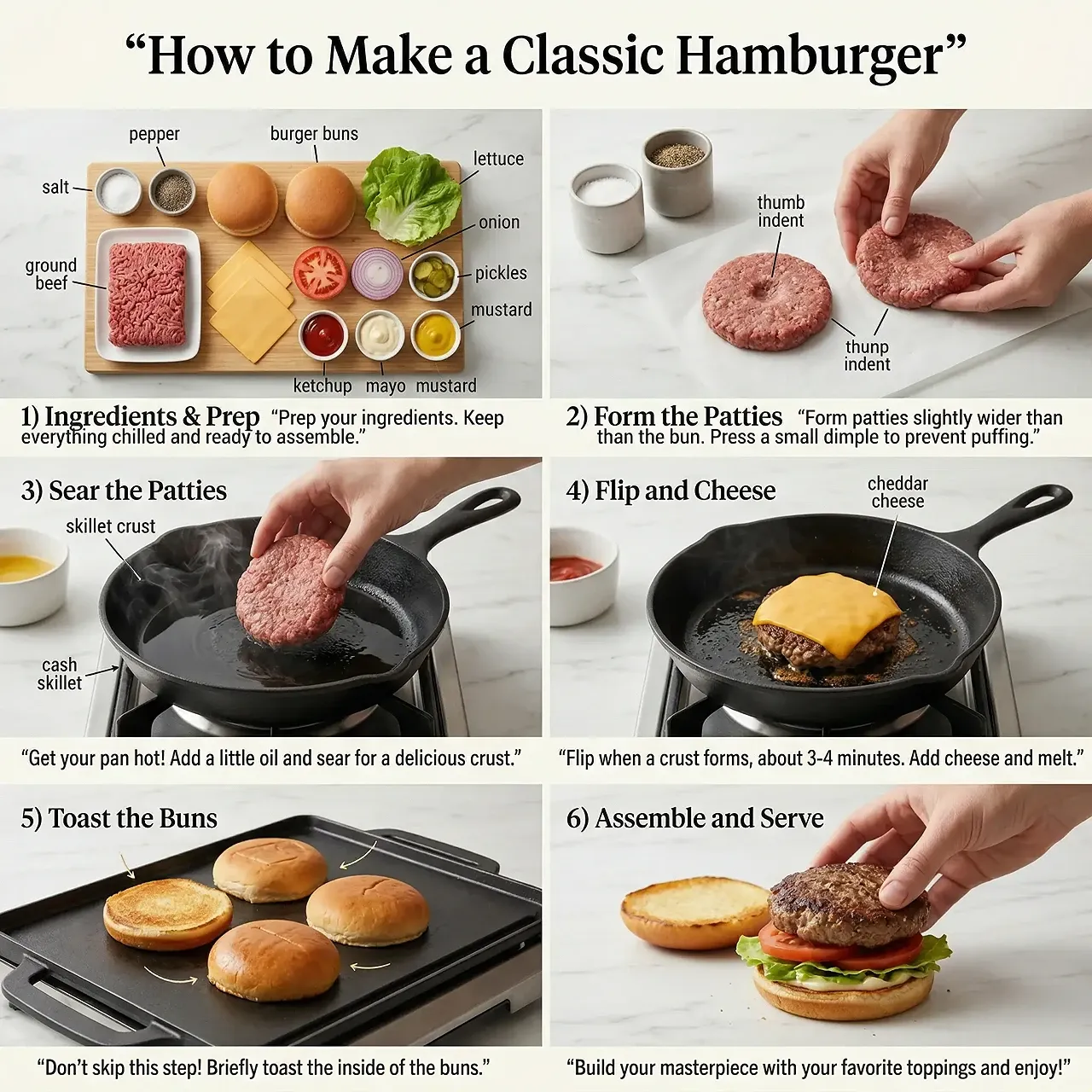
Marketing & Ad Creatives
- Facebook and Instagram ad graphics with accurate promo copy
- Email campaign headers with readable headlines
- Event posters with correct dates and venue text
- A/B test creatives at scale without manual rework
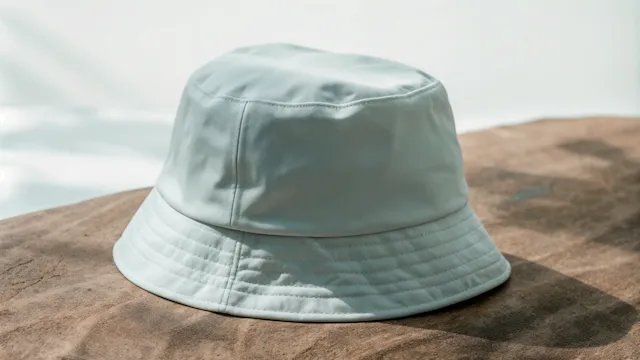
Product Photography
- E-commerce product listings on Amazon or Shopify
- CPG packaging in realistic kitchen or lifestyle settings
- Product labels and branding elements rendered accurately
- Multiple scene variations from one reference image
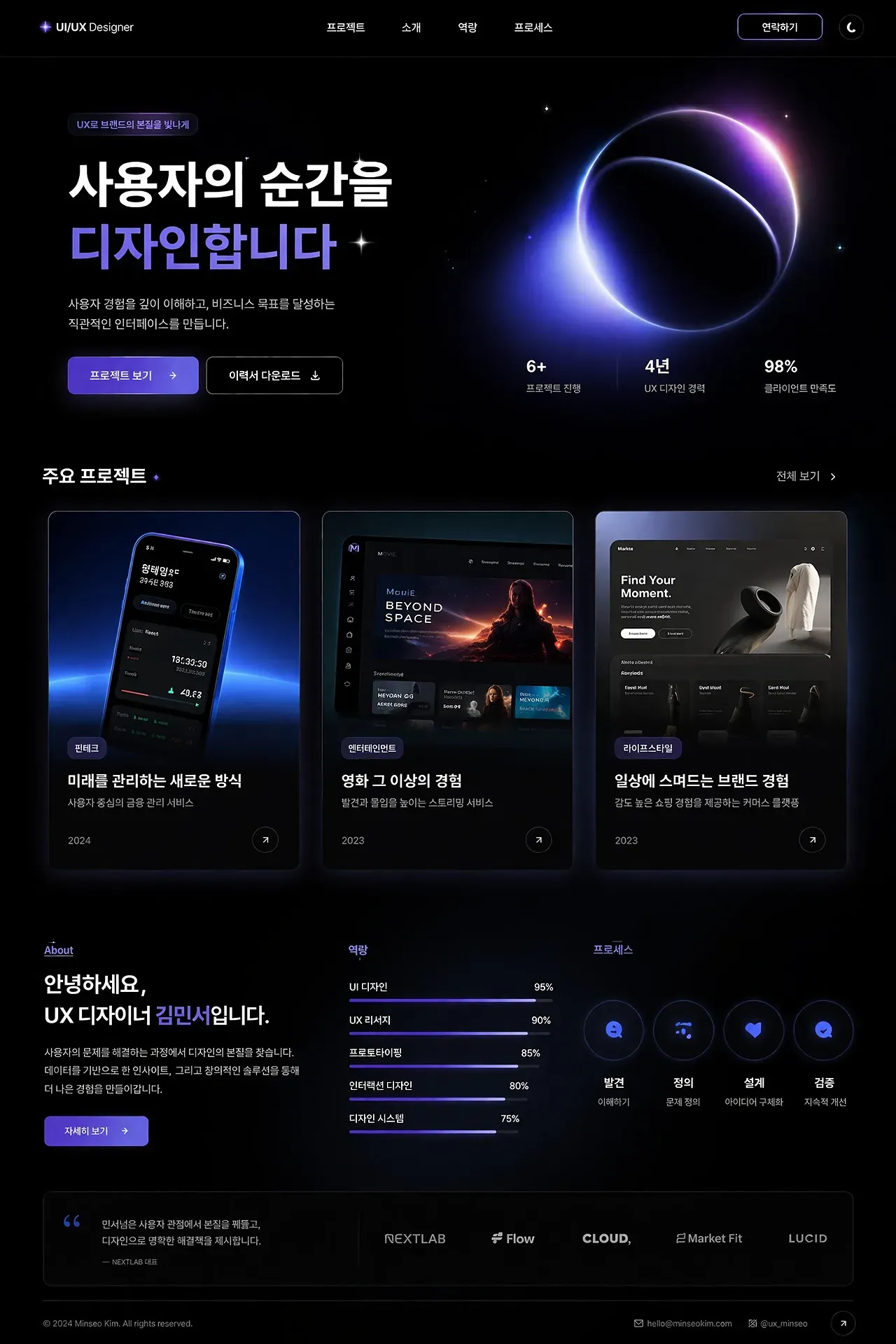
UI & App Mockups
- Mobile app screens with real-looking buttons and menus
- Web dashboards and data visualization mockups
- Presentation slides with coherent interface screenshots
- Investor deck visuals that communicate product concepts clearly
Social Media Content
- YouTube thumbnails and blog cover images
- Instagram story graphics with readable captions and quotes
- LinkedIn thought leadership visuals with proper typography
- Brand mascot or character series across posts
Creative & Brand Assets
- Children's book and comic panel characters kept consistent across scenes
- Game concept art and environment design
- Brand mascots used across campaigns, merchandise, and social
- Historical or cultural scenes rendered with accurate visual details
What People Are Saying About GPT Image 2


GPT Image 2 is impressive — flawless typography in multiple languages and photorealistic detail you literally cannot distinguish from a real photograph.

Some more examples from GPT-Image-2 by OpenAI. Notice the superb text rendering and realistic photo look! Big improvement over the current version 1.5.

GPT-Image-2 is rolling out. OpenAI just upgraded image generation: handwritten notes, realistic ads, posters, anime art — all in seconds. Same prompt, wildly different styles.

I guarantee you in 1-2 months you won't be able to scroll one centimeter without seeing an OpenAI images v2 generated image. It's that good.

Create Your First Image in 3 Steps
Describe Your Vision
Type your idea in plain English. Be as specific as you want. GPT Image 2 understands complex compositions, styles, and context that other AI image generators miss.
Generate & Refine
Your image appears in seconds. Not quite right? Say what to change (for example: "make the background darker", "add a shadow", "move the bottle left"), and GPT Image 2 updates the image.
Download & Use Anywhere
Export in PNG, JPEG, or WebP (watermark-free). Use it for ads, social media, product listings, presentations, or pass it to any design workflow.
GPT Image 2 — Frequently Asked Questions
Start Creating with GPT Image 2
Professional-grade images with text that actually reads. Generate your first visual in seconds. No design skills and no credit card required.
Try Free