 MiaDance
AI Image to Image Generator
Upload a photo, describe the new look, and generate variations in seconds — pose, framing, and layout stay intact. Multiple top models. Runs in the cloud, no GPU needed.
AI Image-to-Image Generator — Keep the Composition
What You Can Create with Image-to-Image AI
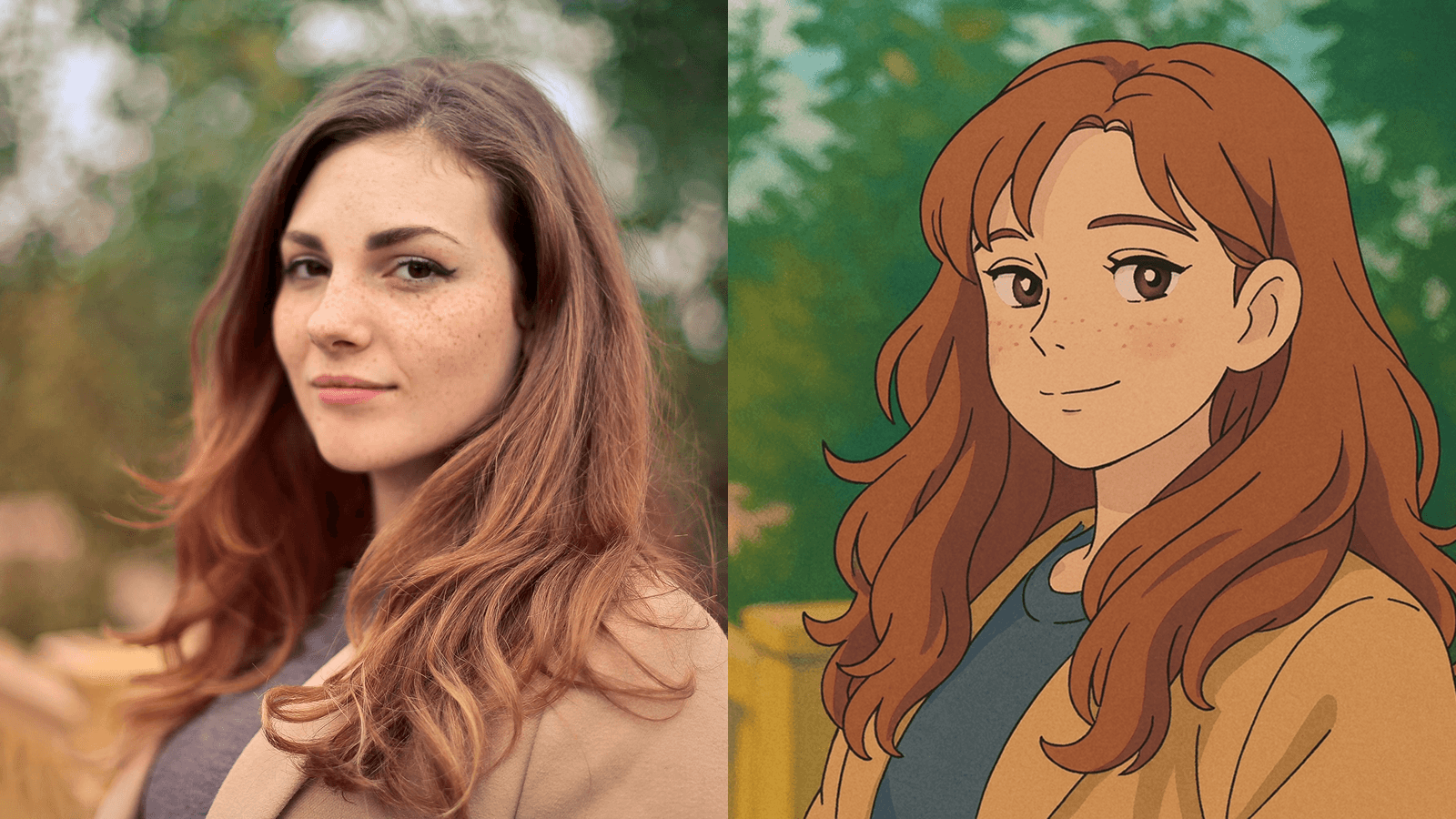
Style Transfer
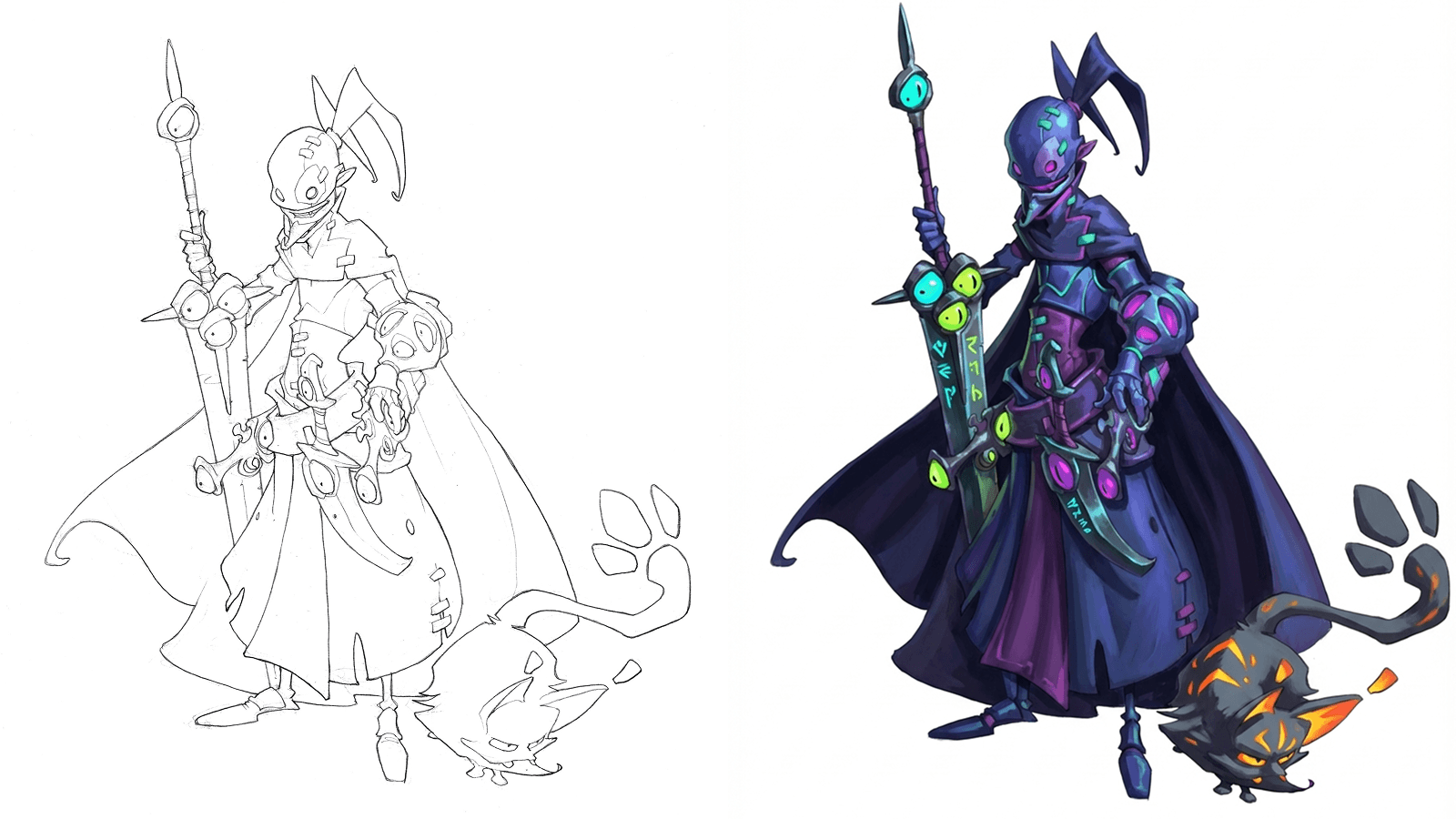
Sketch to Finished Illustration
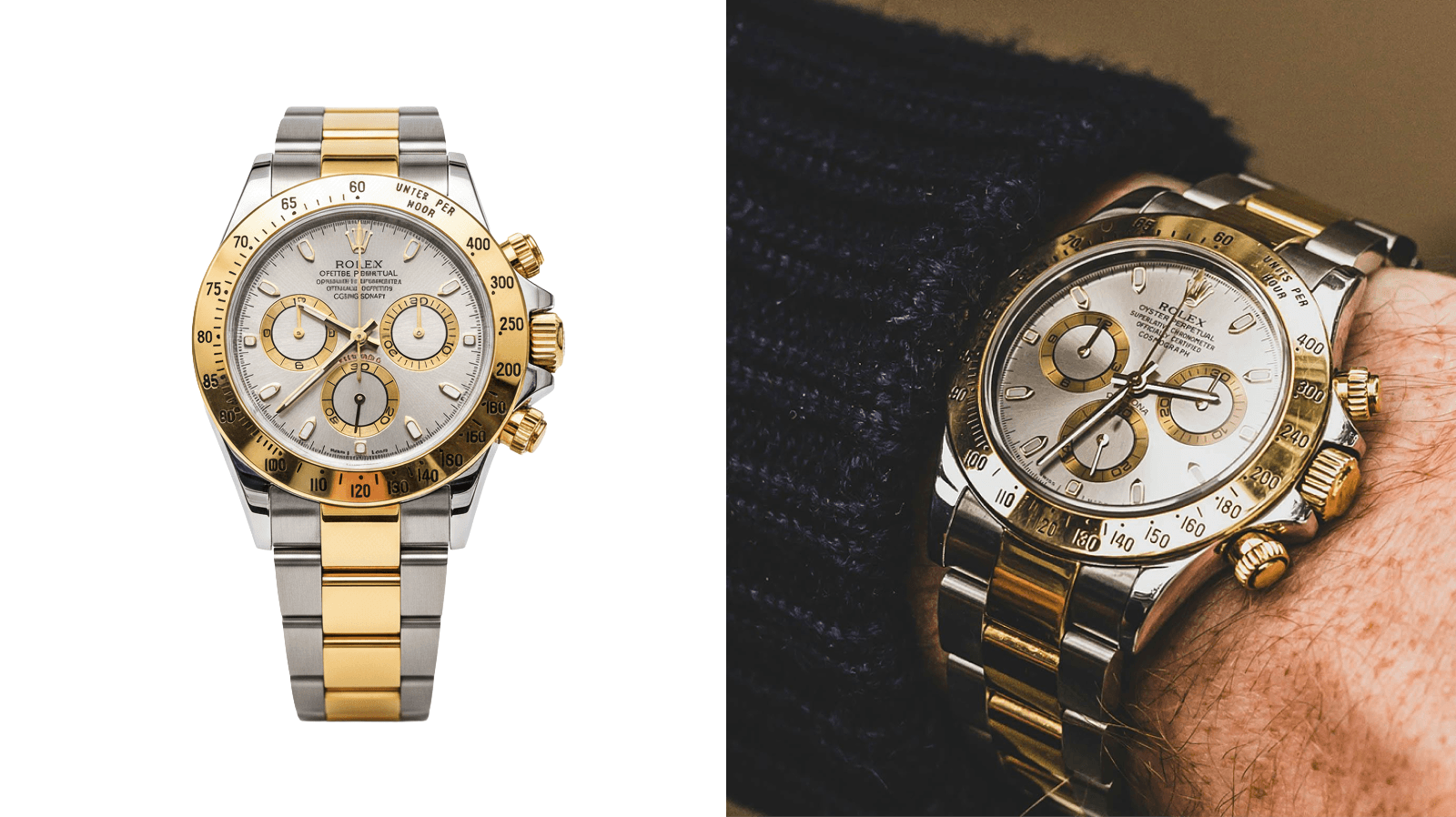
Product Photo Upgrade
Portrait & Avatar Editing
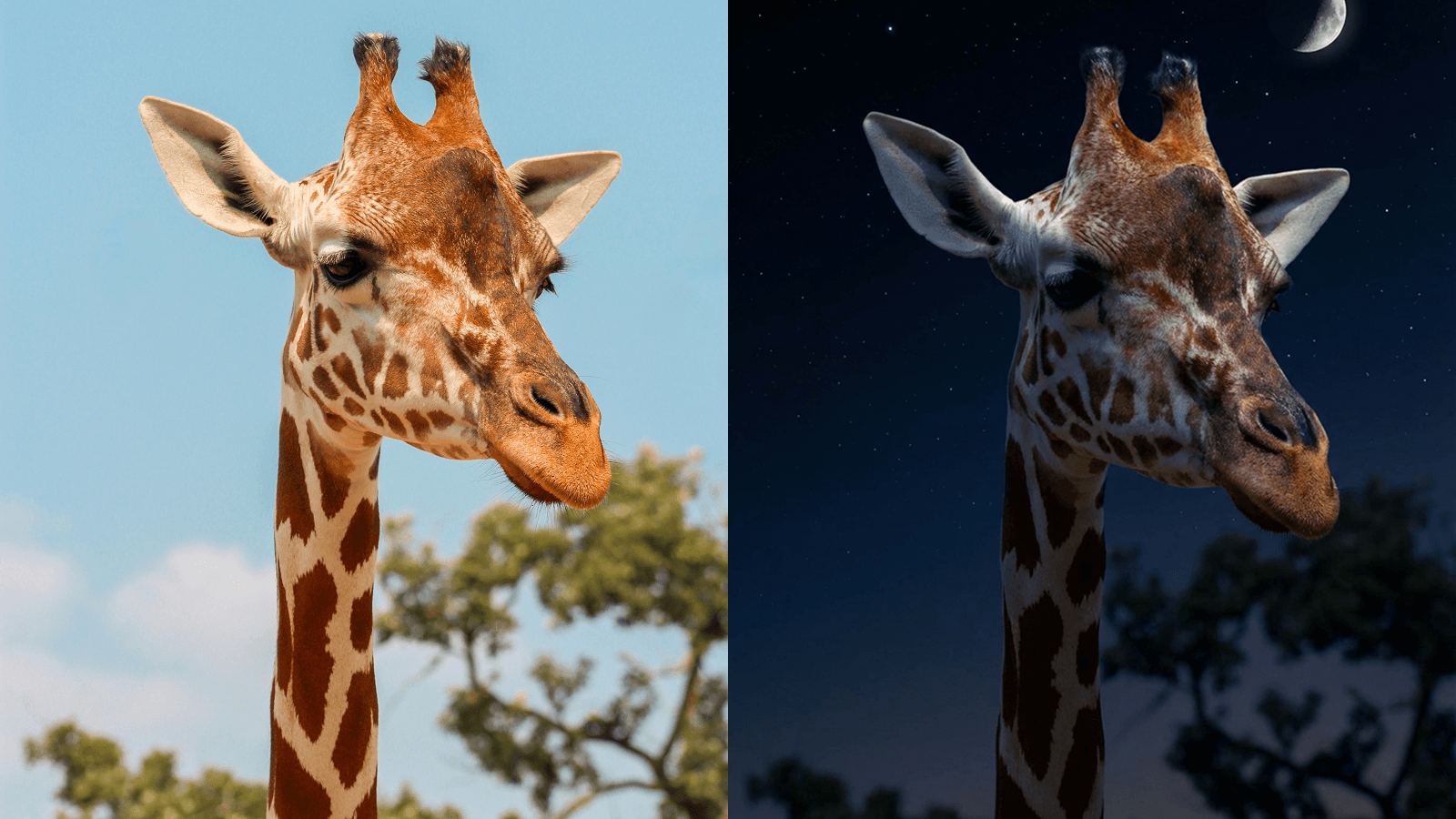
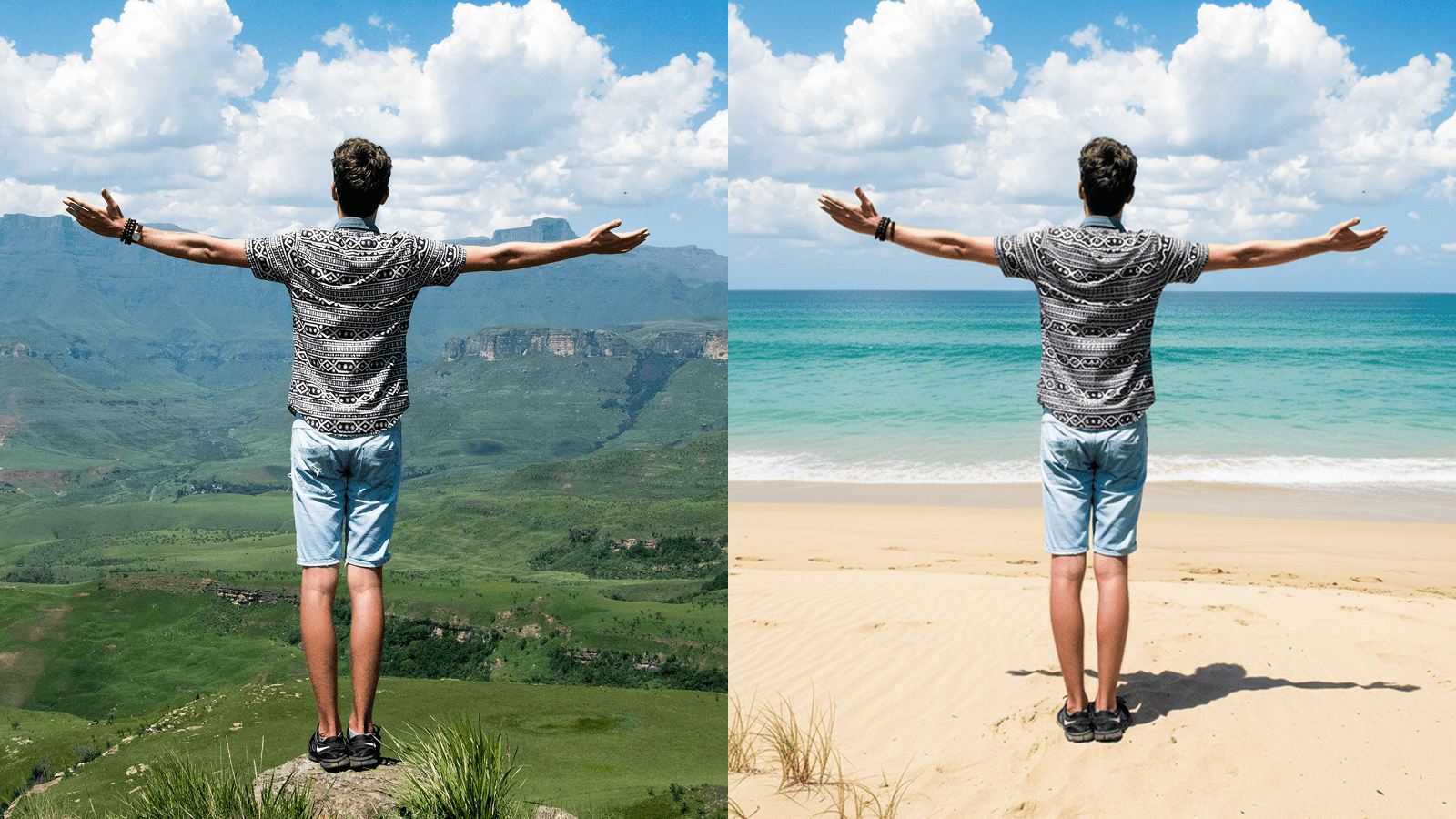
Scene Variations
Why Creators Choose MiaDance
Multiple Top Models, One Subscription
Access FLUX, Nano Banana Pro, Seedream, and more from a single dashboard. Switch models based on the task. No separate accounts, no extra billing.
Composition Preserved Every Time
The AI maps your photo's structure, depth, and subject position before applying changes. Pose, layout, and framing stay exactly where you put them. Only what you ask to change gets transformed.
No Design Skills Required
No prompt engineering, no parameter tuning. Type what you want in plain language and get a professional-quality result from your first try.
Runs in the Cloud
Everything processes on MiaDance's servers. Same output quality on a phone, a laptop, or an older computer. No downloads, no hardware requirements.
High-Resolution Output, Ready to Publish
Full-resolution images cleared for commercial use. Marketing campaigns, product listings, social media — download and publish without additional editing.
Transformation Strength Control
One slider sets how far AI departs from your original. Low strength for subtle style adjustments; high strength for full reconstruction. Every result lands where you intended.
Built for Every Kind of Creator
Designers & Illustrators
E-commerce Sellers
Social Media Creators
Marketers & Advertisers
Game & Film Creators
Photographers & Art Enthusiasts
Three Steps to Transform
Upload Your Reference Image
Choose a photo as your starting point. It defines the composition and subject — AI builds the transformation on top of it, not from nothing.
Describe What You Want
Type your desired style or change: "convert to Studio Ghibli style" or "place the product on a marble kitchen counter." More detail means a result closer to your vision.
Generate and Download
Preview results in seconds. Adjust the description or transformation strength, then download the high-resolution version.