 MiaDance
Glitter Sticker
Turn any photo into a sparkling glitter-style sticker in seconds. Add shiny textures, bold outlines, and vibrant colors to create eye-catching visuals that stand out on social media, messages, or digital designs. Perfect for fun edits, decorations, and shareable content.
Turn Any Photo Into a Glitter Sticker — Transparent PNG
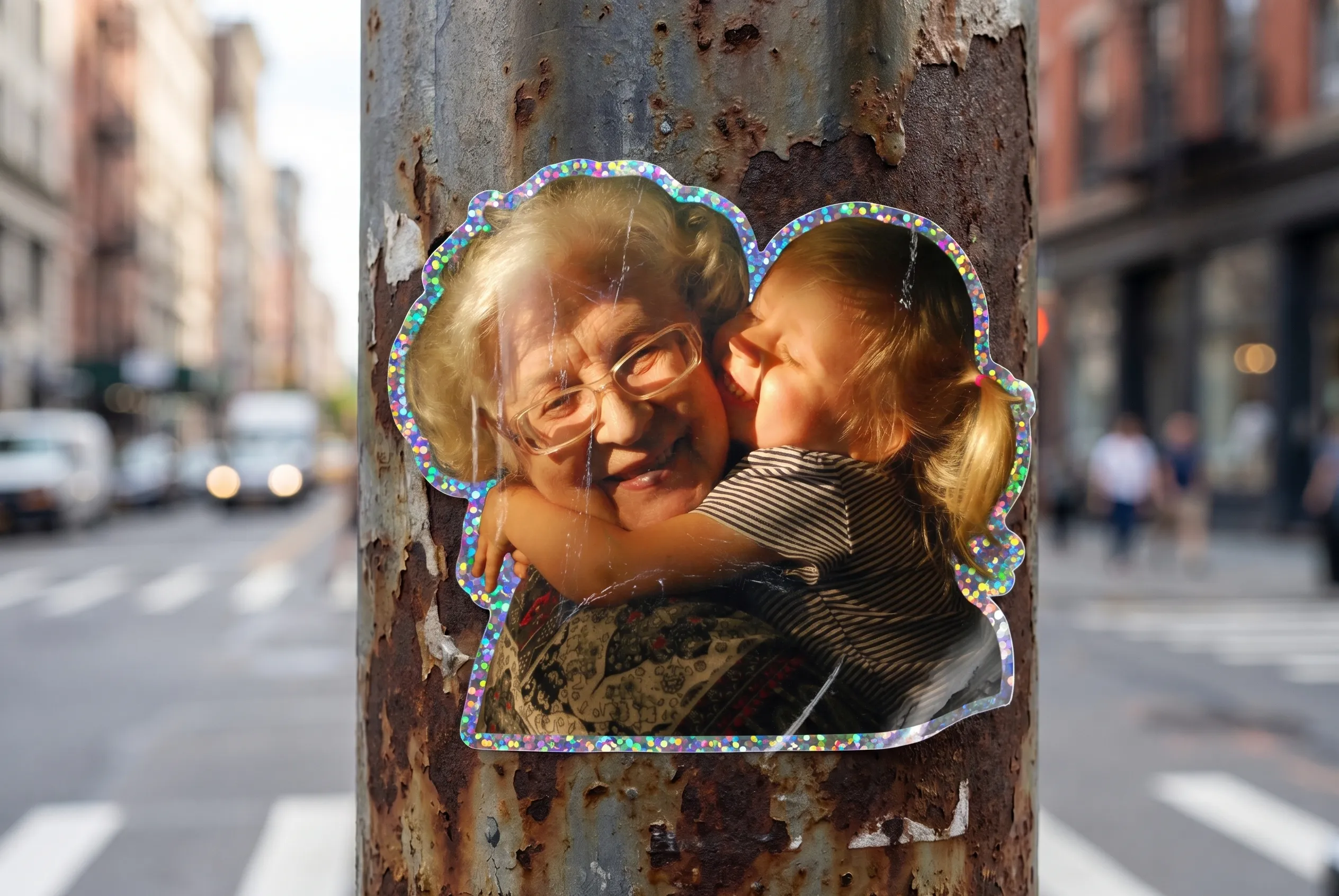
Glitter and Holographic Sticker Effects That Look Print-Ready
Upload Once, Get a Glitter Sticker Cutout
This AI sticker maker automatically detects the subject in your photo, removes the background, and applies your chosen glitter texture in one pass. No manual masking, no layer work — upload a photo, get a finished glitter sticker.
Classic Glitter, Holographic, Metallic, and More
Choose your finish from a range of styles. Classic glitter delivers multi-colored sparkle. The holographic sticker generator option adds an iridescent rainbow sheen that shifts with the light. Metallic finishes come in gold, silver, and rose gold. Diamond shine layers high-intensity sparkles for a precious stone effect.
Transparent PNG Sticker — Printable and Share-Ready
Every glitter sticker downloads as a high-resolution transparent PNG. Use it in digital planners (GoodNotes, Notion), Instagram Stories, TikTok overlays, Discord and Telegram sticker packs, or print it on adhesive paper for custom sticker sheets — no conversion, no cleanup needed.
Made for Creators, Fans, and Small Shops
Whether you're building a K-pop fan kit, decorating a digital journal, making custom Discord sticker packs, or designing Etsy thank-you labels — this glitter photo maker fits your workflow. The sparkle effect gives any image that premium, collectible quality that works in feeds and in print.
Free to Try — Works in Your Browser
Start creating custom glitter stickers for free without downloading anything or creating an account. The glitter sticker generator photo effect runs entirely online — open it on desktop or mobile and get started right away.
How to Make a Glitter Sticker in 3 Steps
Upload Your Photo
Upload any JPG or PNG — a portrait, a pet, a product, or any image with a clear subject. Works best when the subject is distinct from the background.
Choose Your Glitter Style
Pick from classic glitter, holographic, metallic, or diamond shine. The AI applies your chosen finish and adds a clean sticker outline automatically.
Download Your Glitter Sticker
Save your sticker as a high-resolution transparent PNG, ready to use in designs, share on social media, or print on adhesive sticker paper.